


01
Live dashboards
Calls, answer rate, sales, average talk time and drop rate against the regulatory cap. Dial volume by hour, disposition mix and agent time split.
Reporting & wallboards
The whole floor, live, on the desk and on the wall. Live dashboards for supervisors, wallboards for the room and ranked agent performance, all from the same data and the same login.
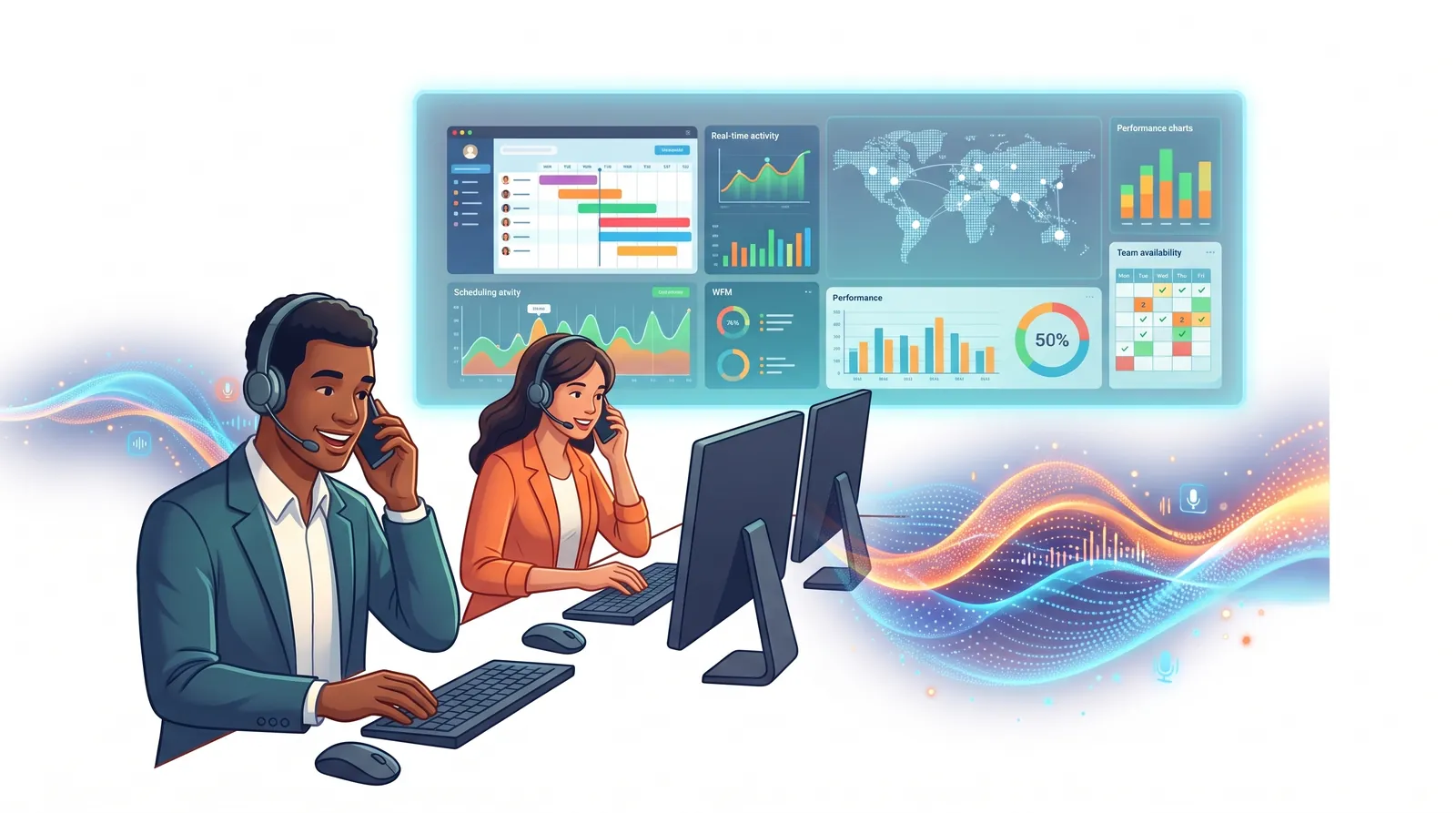
Call centre reporting software shows what is happening on the floor now and how the day, week or campaign has gone, covering calls, queues, agents and outcomes.
CentrixDial gives supervisors live dashboards, puts the same data on a wallboard for the room, and ranks agent performance with a detailed breakdown of where every logged-in second went.
Capabilities
Calls, answer rate, sales, average talk time and drop rate against the regulatory cap. Dial volume by hour, disposition mix and agent time split.
Fills one screen with no scrolling and is readable across a room. Breached queues and caps turn red and stay red until cleared. Normal, compact or ultra density.
Every logged-in agent with their live status and how long they have been in it.
Ranked production with a like-for-like attainment bar, plus talk, wait, pause and wrap-up time, with timeclock reconciliation for payroll.
Inbound service levels, queue and wait analysis, per-menu-option IVR reports and campaign summaries.
Send the reports each manager needs to their inbox on a schedule.
Use cases
Spot a growing queue or a breached cap the moment it happens, not at the end of the day.
Compare campaigns, teams and periods, and get scheduled reports by email.
See their own numbers, including calls handled, revenue booked and handle time against target.
Good to know
FAQ
Yes. The wallboard view fills one screen with no scrolling and refreshes every 3 seconds, or less often if you prefer.
Access is role-based. Agents see only their own numbers. Supervisors and managers see the floor.
Yes. Scheduled email reports send the views you choose to the people who need them.

See how CentrixDial could support your contact centre with AI automation, human-agent collaboration and call intelligence, using your own campaigns and call flows.