


01
Shift setup in three steps
Campaign, then in-groups, then join the queue. Live waiting counts and service level show before they commit.
Mobile agent · iOS & Android
The contact centre your agents carry. Agents sign in on their own phone, choose campaigns and in-groups, and take queue calls from anywhere, on the same extension and in the same reports.
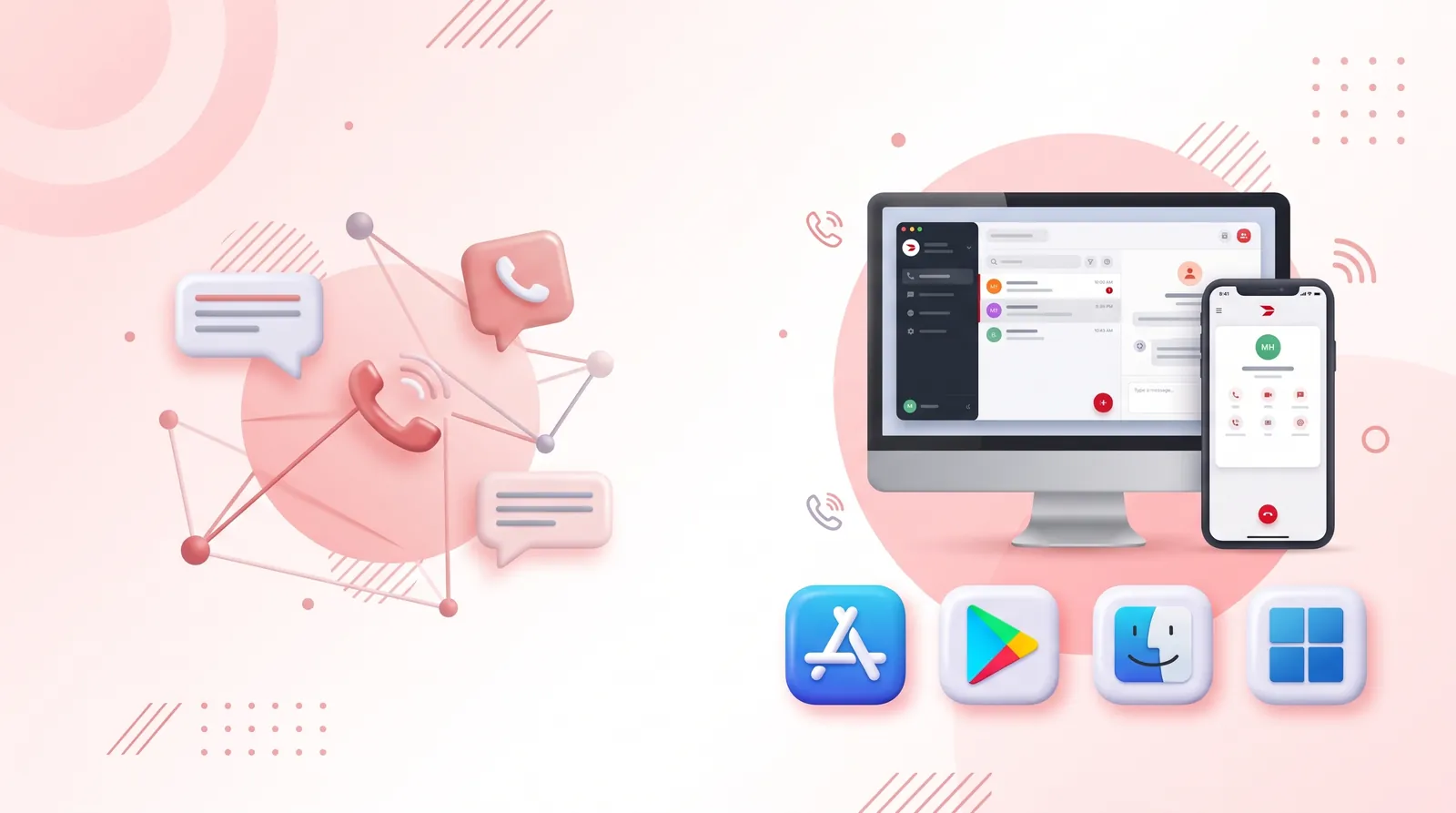
A mobile agent app lets contact centre agents sign in and take queue calls on their own smartphone, instead of only at a desk phone or softphone.
With CentrixDial Mobile Agent, agents pick a campaign and the in-groups they will cover, then join the queue. They use the same extension, the same queues and the same reporting as at the desk, so there is no separate system to reconcile.
How it works
Capabilities
Campaign, then in-groups, then join the queue. Live waiting counts and service level show before they commit.
Ready, Busy, Pause or Offline from the phone, shown on the supervisor’s board immediately.
Calls handled, revenue booked, average handle time against target, and missed calls as a share of calls offered.
Due, overdue and done, with context on each lead and scheduled callbacks. One tap to dial.
Outbound calls from the same extension. PBX registration is visible, so IT tickets stop at the source.
In-groups by language and priority, including VIP retention, billing, escalations and overflow.
Use cases
Agents work the same queues from home with the same reporting as on the floor.
Specialists away from a desk can still take calls from a priority in-group.
Bring extra agents online quickly without provisioning more desk phones.
FAQ
Yes. With Mobile Agent they sign in on their own phone, pick their campaign and in-groups, and take queue calls on the same extension as at the desk.
Yes. Every call taken on mobile appears in the call log, the recordings library and the agent’s performance report.
Mobile Agent is available on iOS and Android.

See how CentrixDial could support your contact centre with AI automation, human-agent collaboration and call intelligence, using your own campaigns and call flows.